
Slow Computer Tune-Up
A slow machine is usually one of four things: a failing hard drive, a disk that is full, too much loading at startup, or overheating from dust. TechFix checks drive health first in Faisalabad, because a slow computer with a dying drive needs data recovery rather than a clean-up. Once we know which it is, we tell you whether a tune-up will fix it or whether an SSD is the better spend.
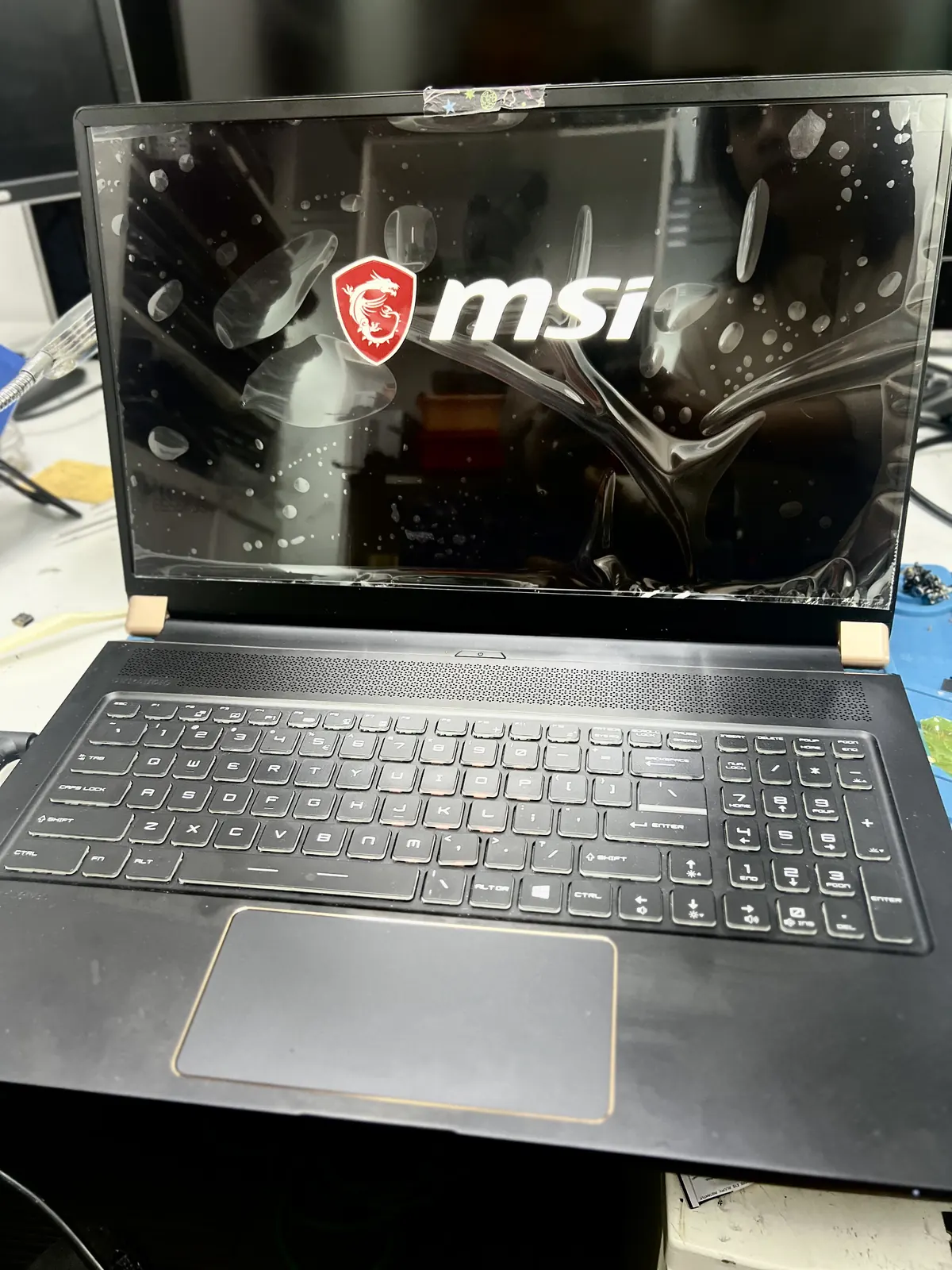
Signs you need this repair
- Slow startup, or long waits opening basic programs
- Fans loud and constant
- Freezing during ordinary use
- Disk sitting at 100% in Task Manager
What causes it
Four usual culprits: a failing or nearly full hard drive, too much loading at startup, dust blocking airflow, or too little memory for how you work. Only one of those is fixed by a clean-up.
What the repair involves
- 01Drive health read first — a dying drive needs recovery, not a tune-up
- 02Startup and background load reviewed and reduced
- 03Internals cleaned and thermal paste replaced where needed
- 04Honest recommendation on whether an SSD or RAM would help more
What affects the price
A clean-up is inexpensive. If the answer is an SSD or more memory we tell you, because spending on a tune-up when the drive is failing wastes your money.
Before you bring it in
Note when it slows down — at startup, under load, or all the time. That narrows the cause quickly.
Free diagnosis
We find the fault before quoting
Fixed price
Agreed upfront, no surprises
Bench tested
Checked before it comes back
Get a free quote
Message us with your device model and what happened. We confirm the fault and the price before any work starts.